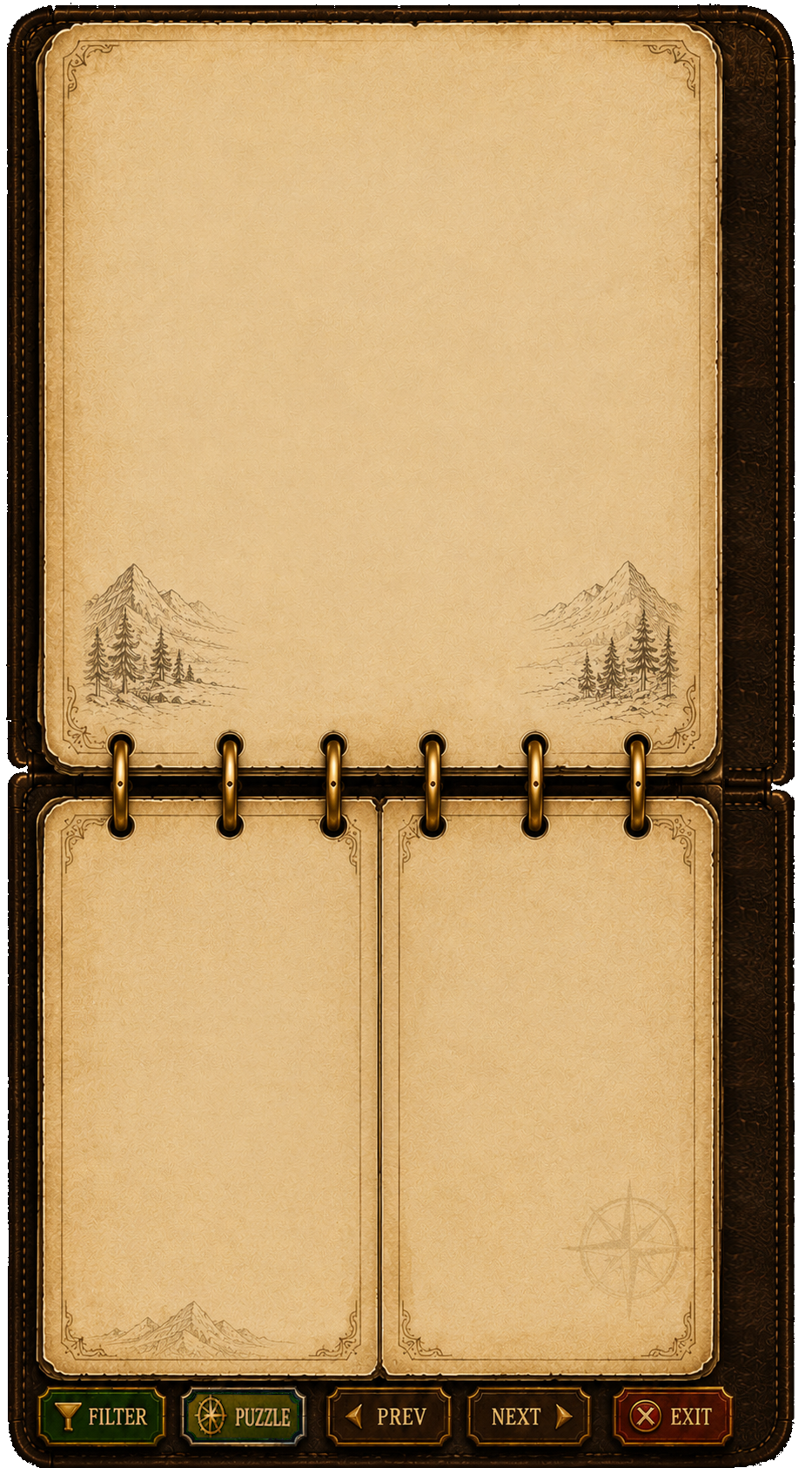
Blank shell (NewPuzzleJournalBlank.png) is the base — tune every hit target and data field on it.
Add separate overlay PNGs (record info, library filters, tab art, bottom buttons) in the Art layers panel; they stack on the blank in-game.
Toggle Record vs Library to preview each mode. Saves to data/journal_layout.json.
Back to player select
· Open game
Layout items
Tuning: Record — found solutions
Mode keys match discovery record tuner — no Ctrl+Alt+wheel combos.
Click preview first. Yellow boxes = pane/hit areas; scroll bar and solution preview tune the real elements (drag or M/W/H).
F Font mode (or inputs below) adjusts each text field’s label + value size — saved to journal_layout.json and applied in the live game.
Click Your Found Solutions / Recorded Puzzles in the preview to tune title position and font (Library mode for Recorded Puzzles).
Switch to Library mode before tuning the puzzle list — Record and Library share the lower-left pane but show different titles.
Record — top page fields
Panes & titles
Library filters
Library — recorded puzzles list text
Tabs & bottom buttons
[MOVE]
Drag yellow box to move · Arrows = position · Shift+arrows = nudge px
—
Art overlay PNG paths (optional)
Leave empty until assets exist. Same 933×1686 artboard as the blank.
Preview — 390px dialog
Record — view puzzle & found solutions
Click the preview below before scrolling — wheel tuning only applies here (not the field list on the left).